
Measured YouTube Shorts safe zone
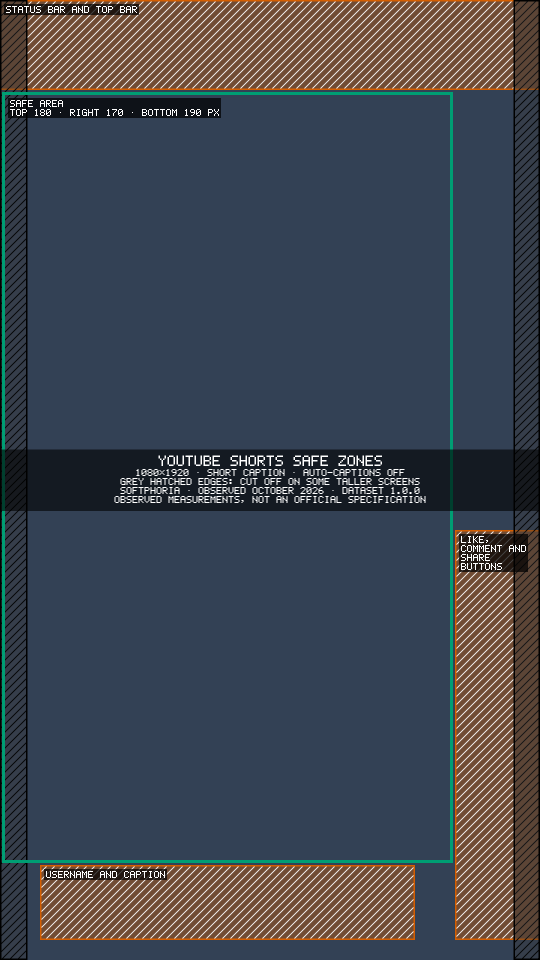
On a 1080 × 1920 Short, keep important text, faces and logos out of the top 180 px, the right 170 px and the bottom 190 px. Those areas sit under YouTube's own interface while a Short plays.
| Edge | Keep clear | What covers it |
|---|---|---|
| Top | 180 px | Status bar and YouTube's top bar |
| Right | 170 px | Like, comment and share buttons |
| Bottom | 190 px | Channel name and title |
About these numbers: 1080 × 1920 reference canvas · measured on an iPhone 14 Plus and a Samsung Galaxy A20s · last verified October 2026 · observed measurements, not an official YouTube specification · interfaces can vary by device, app version, account configuration and interface experiments.
Check your Short against these zones with the free Social Video Safe Zone Checker. It finds text and logos in your own video, shows what YouTube covers and suggests how far to move them.
What covers each edge
- Top, 180 px: the phone's status bar and YouTube's top bar. The bar was slightly taller on the iPhone than on the Galaxy A20s; 180 px covers both.
- Right, 170 px: the button column, which runs from about y 1060 down to the bottom row.
- Bottom, 190 px: the channel name and the Short's title, which start at y 1730.
Auto-captions sit near the top
Unlike Instagram, YouTube placed its auto-captions near the top of the frame: in a band from y 260 to y 380 on our test phones. If you burn in your own titles or subtitles there, viewers who switch captions on will see them overlap.
Organic Shorts and vertical video ads
You will often see 672 px quoted as the bottom margin for Shorts. That figure comes from Google's help page for vertical video ads, which can run in-stream, in-feed and in Shorts. Its 1080 × 1920 reference image marks a safe zone 288 px from the top, 672 px from the bottom, 48 px from the left and 192 px from the right (checked 8 October 2026). That is ad guidance covering several placements, each with extra ad interface, so it is deliberately cautious. The 190 px above is what we observed on ordinary, organic Shorts. For ads, follow Google's guidance; for organic posts, these measurements are a practical guide. Why safe-zone numbers differ explains the gap in more detail.
Taller phones and the side edges
A 1080 × 1920 video is 9:16, but many phones have taller screens. On the iPhone 14 Plus, YouTube cut off about 55 px on the left and 53 px on the right; on the Galaxy A20s the strips were narrower. Keep text a little way in from the side edges too. The overlay marks these strips with grey hatching.
How we measured
We made calibration videos at 1080 × 1920, played them in the official YouTube app and took screenshots on real phones. Each interface element's edges were measured on the frame and recorded to the nearest 10 px. Where the test phones differed, the larger covered area is used.
- Test phones: iPhone 14 Plus (iOS) and Samsung Galaxy A20s (Android), with the app versions current at the time of measurement.
- Last verified: October 2026. We re-check quarterly, or sooner when a visible interface change is reported.
- Observed, not official: these are our measurements of the YouTube Shorts interface, not an official platform specification. They are practical guidance.
- Variation: interfaces can vary by device, app version, account configuration and interface experiments. Longer captions and taller screens can cover more.
- Measured and maintained by Softphoria. About Softphoria · Tell us if your app looks different
Download the YouTube Shorts overlay
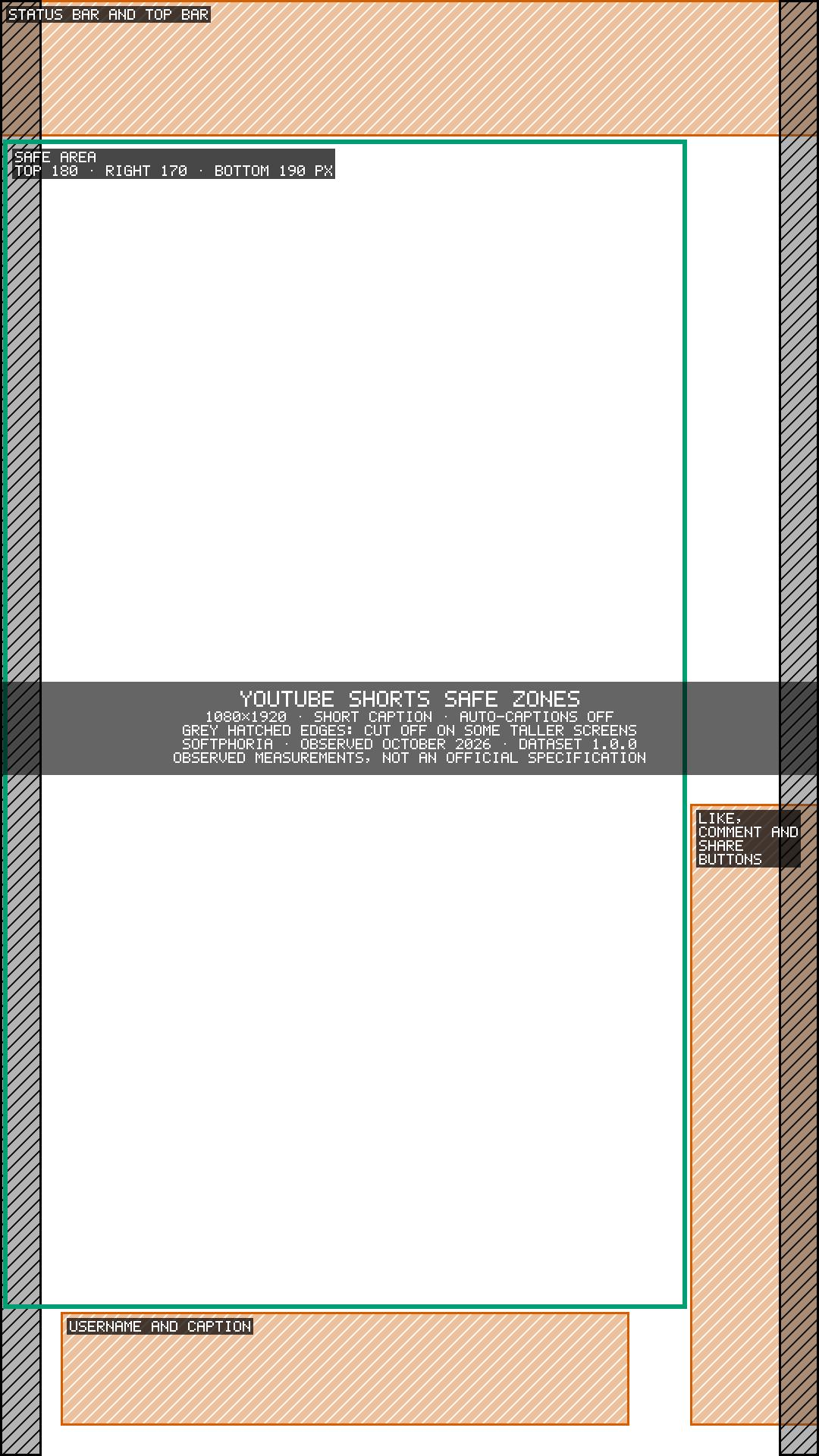
Download the YouTube Shorts safe-zone overlay (PNG, 1080 × 1920, transparent). Put it on the top layer in CapCut, Premiere Pro, DaVinci Resolve or Canva and hide it before you export. It shows the short-caption layout with auto-captions off.
A template shows where the zones are; the checker checks your actual frames. Posting the same video to Instagram Reels as well? Use the 1080×1920 safe zone guide for Reels & Shorts.